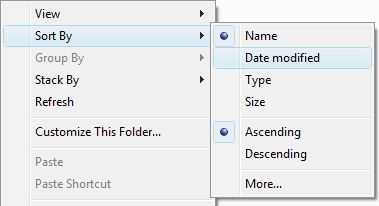
Have you ever customized the sort order, view style (e.g. List, Small Icons) or windows size of a folder and had those settings vanish? Then you have to go back in and change them again only to have them randomly disappear in the near future.
This is a common problem I have with the sort order of my music folder. Sometimes I like the music to be sorted alphabetically (default); but sometimes I like to see the newest music and sort by Date modified. Unfortunately, just about every time I un-mount and re-mount my hard drive, my custom sort its gone. This is easily fixed by a simple little registry trick, so roll up your sleeves and open regedit (Start > Run > “regedit”).
Update the Registry
Once you’re in the Registry Editor navigate to:
HKEY_CURRENT_USER\Software\Microsoft\Windows\Shell
Right-click on the right panel and choose New > DWORD Value
Give the new value the name BagMRU Size
Hit enter to save the name then double-click it and choose the Base as Decimal set the value to 10000.